Your First Day With ILUMA i: Setup Guide for New Users
How to use IQOS ILUMA i, i Prime and i One from the box to the first stick, with the official steps and five common first-day mistakes.
In this guide
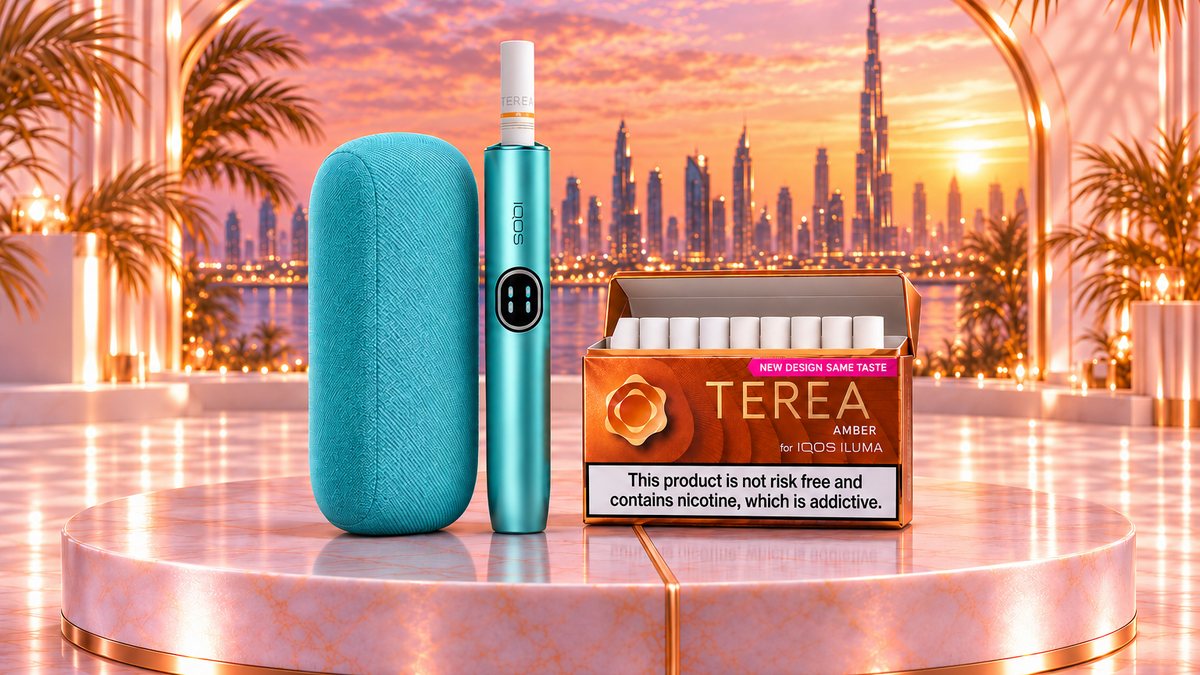
How to use IQOS ILUMA i, in short: charge it fully first, insert a TEREA stick up to the filter line, wait for the second vibration and start puffing. A session lasts up to 6 minutes or 14 puffs. ILUMA i and ILUMA i Prime share the same steps; the all-in-one ILUMA i One differs mainly in charging and controls.
Last checked: November 2026, against the official IQOS UAE first-steps guides and product pages.
This guide follows a new device from the box to the first finished stick, model by model, then covers the five mistakes behind most first-day confusion.
What is in the box and how long the first charge takes
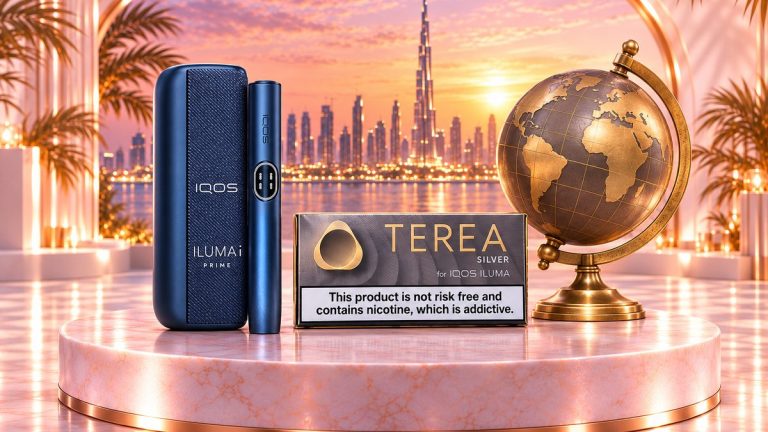
ILUMA i and ILUMA i Prime are two-part kits: a holder that heats the stick and a pocket charger that recharges the holder. ILUMA i One is a single device with the battery built in. No kit includes a wall plug: IQOS lists the AC power adaptor as sold separately, so have a compatible adaptor ready before you open the box.
| Model | In the box | First full charge | Sessions per full charge | Back to back |
|---|---|---|---|---|
| ILUMA i | Holder, pocket charger, charging cable | About 135 minutes | Up to 20 | Up to 3 |
| ILUMA i Prime | Holder, pocket charger, charging cable | About 135 minutes | Up to 20 | Up to 3 |
| ILUMA i One | Device, charging cable | About 90 minutes | Up to 20 | Up to 20 |
Figures from the IQOS UAE device comparison page and kit pages, checked November 2026.
How to use IQOS ILUMA i and ILUMA i Prime, step by step
Both models use the same holder, touch screen and steps. The Prime adds a wrap that closes over the holder while it sits in the charger.
- Switch on. Press and hold the pocket charger button for 4 seconds, then release.
- Charge fully. Connect the cable and adaptor and leave the holder in the charger for about 135 minutes. Four solid white strip lights mean a full charge.
- Insert a stick. Take the holder out and push a TEREA stick in gently, up to the filter line, until the holder vibrates.
- Let it preheat. Heating starts automatically, or with a swipe up on the touch screen. Preheating takes about 20 seconds.
- Start after the second vibration. The light guide around the screen shows the time left in your session.
- Finish and recharge. Remove the used stick, throw it away and put the holder back in the pocket charger.
The touch screen also shows how many sessions the holder can still run: two dashes mean up to 3, one dash means up to 2.
How to use IQOS ILUMA i One
The One has no separate charger, so its routine is shorter.
- Switch on and charge. Hold the button for 4 seconds, then charge with the cable for about 90 minutes before first use. Four solid lights mean 100%.
- Open the cap. Slide it open and insert a TEREA stick up to the filter line, until the device vibrates.
- Let it preheat. Heating starts automatically after the first vibration; a one-second press of the button also starts it.
- Start after the second vibration. The status lights count down the session.
- Close up. Remove the stick when you finish and slide the cap closed.
With the battery inside the device, the One can run up to 20 sessions back to back, while the ILUMA i and Prime holder needs the pocket charger after 3. The full step list is on the official IQOS UAE ILUMA i One guide.
What the vibrations tell you
Every ILUMA i model signals each stage with short vibrations:
- First vibration: the stick is in and heating has started.
- Second vibration: preheating is over and you can start.
- Vibration near the end: about 30 seconds or 2 puffs are left, according to the IQOS guide for the One.
Red or blinking white lights are signals that need attention, not normal steps. Our guide to every ILUMA i light and vibration signal explains what each one means.
Pause Mode, FlexPuff and battery modes
These three features cause most of the surprises on day one.
- Pause Mode (ILUMA i and Prime): swipe down across the whole touch screen within the first 3 minutes or 8 puffs. It works once per session, only in Performance Mode and only in the first or second of back-to-back sessions, and lasts up to 8 minutes; swipe up to resume, or the holder switches off.
- FlexPuff (all three models): on by default. Depending on how you puff, it may add up to 4 extra puffs, still within the 6-minute limit. It does not activate in a session where you paused.
- Eco and Performance Mode (ILUMA i and Prime): chosen in the IQOS app. IQOS says Eco Mode can extend the holder’s battery life by up to one year, but Pause Mode is not available in Eco Mode.
Five mistakes new ILUMA i users make
- Skipping the first full charge. IQOS asks for a full charge before first use. That takes about 135 minutes for the ILUMA i and Prime pocket charger and about 90 minutes for the One.
- Puffing before the second vibration. IQOS counts the 20-second preheat inside the 6-minute session, and the device is ready only after the second vibration. Wait for it.
- Stopping short of the filter line. If the device does not vibrate, check that the stick is in up to the line and that the battery has charge, before suspecting a fault.
- Expecting Pause Mode and FlexPuff together. A pause cancels FlexPuff for that stick, and Eco Mode removes Pause Mode altogether. Pause only when you need to.
- Reusing sticks or mixing generations. TEREA sticks are single use, so never reinsert one. IQOS says HEETS will not activate the ILUMA i One, and warns against using ILUMA devices or TEREA sticks with previous IQOS generations, such as IQOS 3 DUO, as this may damage the device.
After the session: sticks and cleaning
Remove the used stick and dispose of it. IQOS warns that each stick contains a sharp metal part, so never take one apart. Then return the holder to its charger, and charge the pocket charger or the One every day, as IQOS recommends.
Cleaning is less of a routine than with older IQOS models. The IQOS UK blog states that “IQOS ILUMA does not need cleaning” and that TEREA sticks, sealed at both ends, leave no tobacco residue or loose tobacco.
Getting your first device and sticks in Dubai
If you are still choosing, our comparison of ILUMA i One, Standard and Prime sets out the differences. At the time of writing (November 2026), the ILUMA i One costs AED 170, the Standard AED 250 and the Prime AED 359. The full IQOS ILUMA i range also includes limited editions.
Each device needs TEREA sticks, and any country version in our TEREA collection fits any ILUMA i. We deliver in 1-2 hours across Dubai, with cash or card on delivery and free delivery on orders over AED 400; the TEREA price list shows today’s box prices.
Frequently asked questions
Do I need the IQOS app to use ILUMA i?
The official first-steps guides cover charging and using a stick without it. IQOS presents the app as the place where you switch smart features such as FlexPuff on or off, adjust touch-screen brightness and choose Eco or Performance Mode on ILUMA i and Prime.
Is a wall plug included in the ILUMA i box?
No. The kits contain the device and a charging cable, and IQOS lists the AC power adaptor as sold separately. Use a compatible adaptor.
How many sticks can I use in a row?
Up to 3 with ILUMA i or Prime before the holder goes back into the pocket charger, and up to 20 with ILUMA i One. A fully charged pocket charger covers up to 20 sessions in total.
Why does nothing happen when I insert a stick?
Check the battery first, because an empty holder cannot heat. Then make sure the stick is in up to the filter line. If the device still does not react, or shows red or blinking lights, read the signal in the lights guide linked above.
For adults 18+ only. Tobacco and nicotine products are addictive and not risk free.
We are a Dubai store for TEREA sticks and IQOS ILUMA i devices with Cash on Delivery across the UAE. Our guides are written to help you compare flavors, country versions and devices. About us